
GRUPETAPP · AVAILABLE FUNCTIONS
Everything you can do in GrupetApp
A guide to the features that are part of the current experience. Cut of this publication: September 25, 2026.
Is this your first time in the app? Follow the step by step wiki to configure your profile, sensors and rides.
Download GrupetApp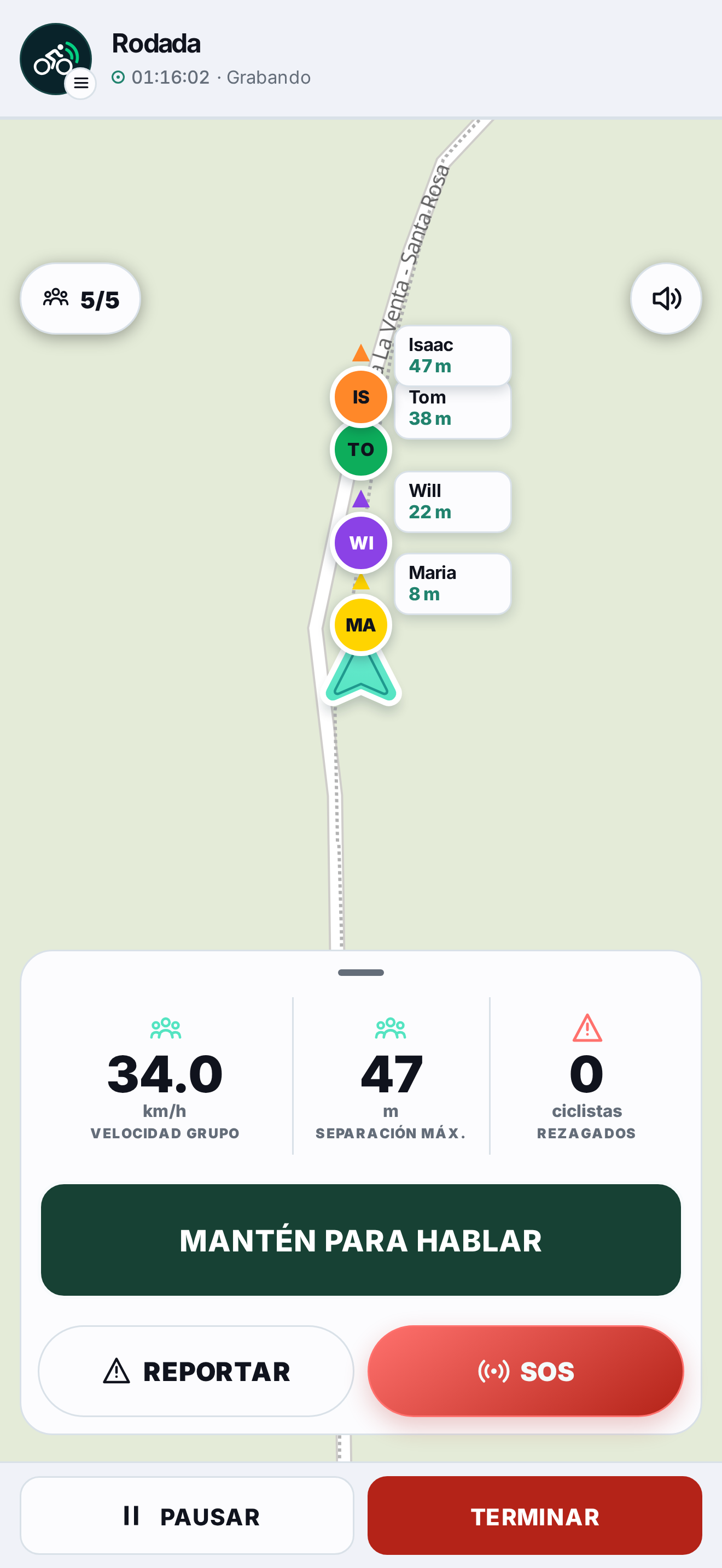
Demo data.
Find cyclists with Radar
- Explore cyclists who are pedaling and chose to appear on Radar.
- See approximate distance and direction references, as well as mode and pace when available.
- The public location is degraded. Precise location is shared only with authorized members of the same group bike ride.
- Visibility is temporary: it is activated during a bike ride and ends when you stop or expire.
Organize a group bike ride
- Create groups, invite or accept members, and manage requests and memberships.
- Start a group bike ride with authorized members and follow the group on a shared map.
- The camera automatically frames the group; You can explore the map and follow it again when the interaction ends.
- See who is connected, their signal, speed and distance to the leader. Unavailable or unreliable data is identified or hidden.
- Receive visual and voice alerts about confirmed stops and riders left behind. Alerts require recent and reliable signals.
Check your bike ride
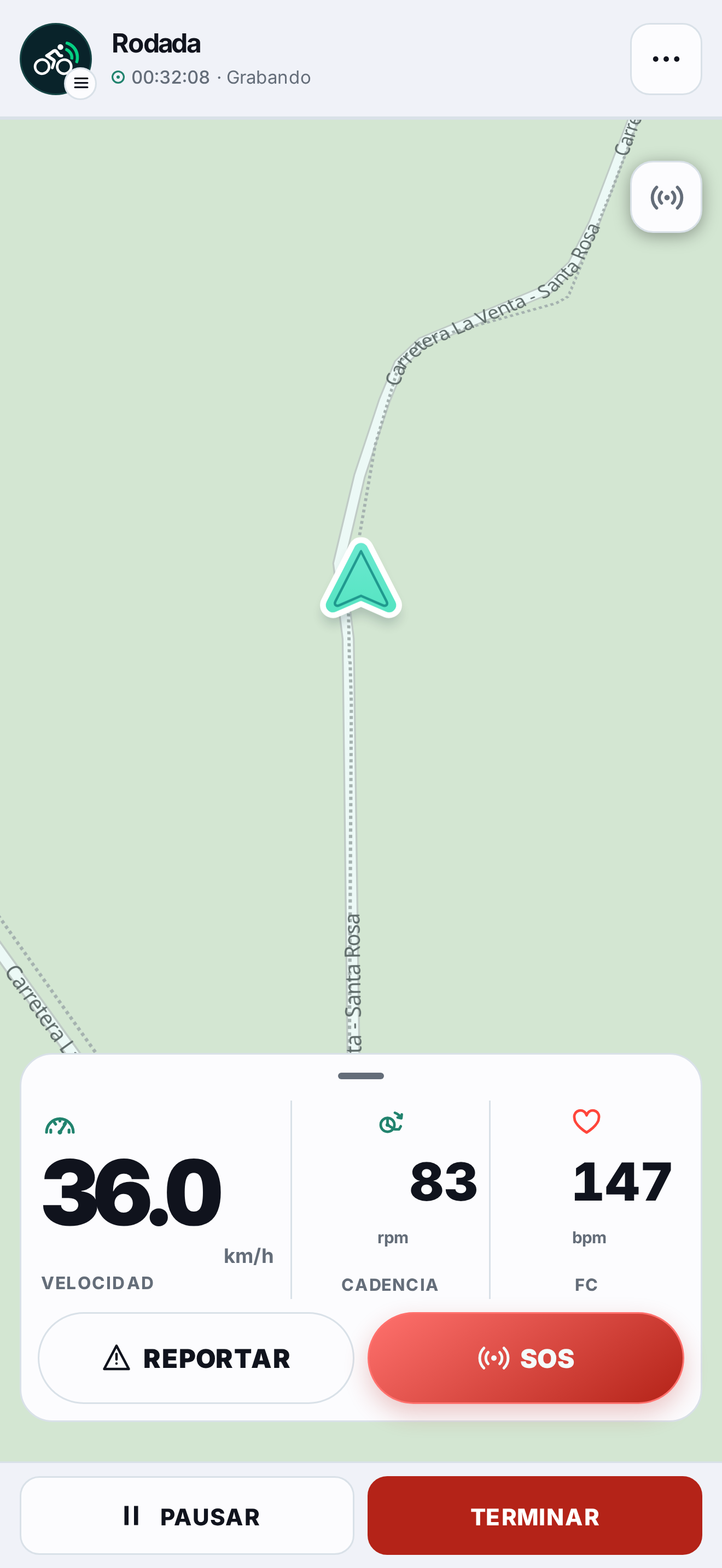
- Toggle between Map, Telemetry and Data to see speed, distance, moving time, cadence, pulse, slope and available averages.
- Choose GPS or Bluetooth sensor as speed source; the application indicates the effective source.
- Use automatic pause or manual pause on Solo and Group bike rides. The pause stops the motion clock and is reflected in the log.
- The map shows your cycling group and allows you to select members to see their metrics and safety options.
Connect sensors and save your activity
- Connect compatible Bluetooth speed/cadence and heart rate sensors. Availability depends on device and operating system.
- When finished, export a FIT file to preserve activity in your own services. Includes metrics and elevation when there is sufficient data.
- On Android and iOS, the app can keep track of your location during a bike ride in the background. Behavior depends on permissions, system settings, and device.
- If the connection is interrupted during a bike ride, the app temporarily retains a limited number of updates to retry when the connection returns.
Take care of your group and the road
- Activate SOS during a group bike ride to notify authorized members; The alert includes a visual signal and an audible warning. SOS does not contact emergency services.
- Consult and report route hazards; You can withdraw your reports and mark that someone else's report is no longer valid.
- Report or block accounts from your security options. Manage blocks on your profile.
- When enabled for the version, use the PTT button in the foreground to take turns talking to the rider group: hold to talk and release to mute.
Account and preferences
- Access with email and password, Google or Apple, depending on the platform and available configuration.
- Manage your profile, mode, pace and cycling data; optional body data is used locally for FIT energy calculation.
- Review and delete your account from the options available in the application.
- Use GrupetApp through its Android and iOS apps. Some features depend on device capabilities and permissions.